Completion requirements
View
Currently there are 29 different categories of rights available. Each category corresponds to one module of the system.
The categories are:
- General
- Data Protection
- Dashboard
- Tasks
- Persons
- Case Surveillance
- Case Management
- Port Health
- Aggregated Reporting
- Contact Surveillance
- Follow-Up
- Events
- Sample Testing
- Immunization
- Adverse Events Following Immunization
- Travel Entries
- Campaigns
- Environments
- Self Reports
- Statistics
- Users
- Infrastructure
- Documents
- External emails
- Surveys
- Export
- Configuration
- External Systems
- Epipulse Export
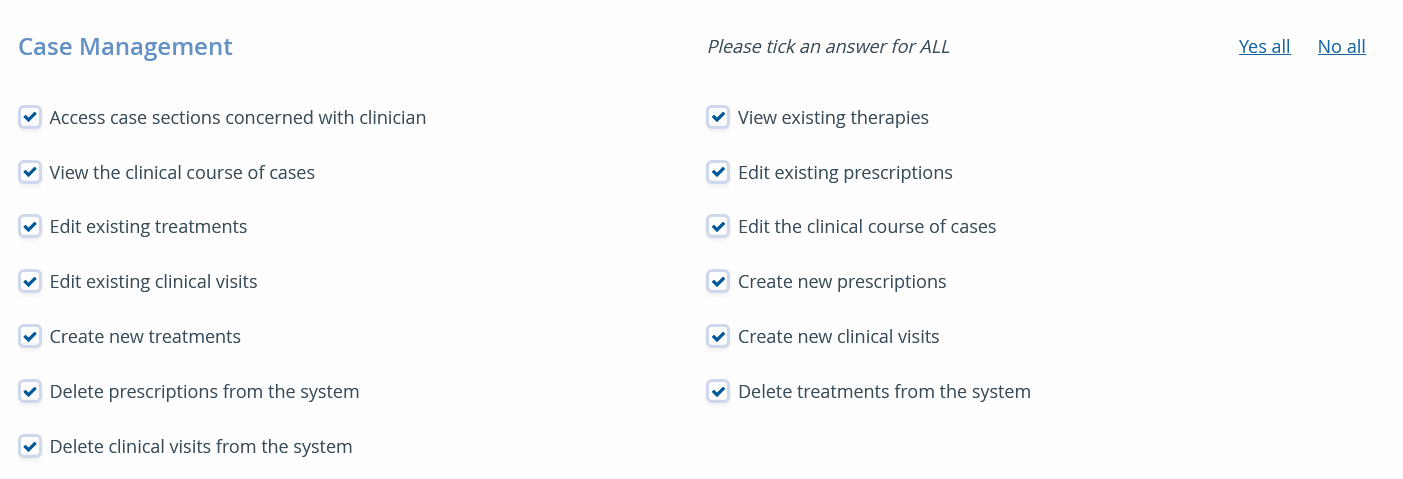 |
Each category includes multiple individual user rights. SORMAS currently provides over 170 different rights. Each right controls access level to one specific action a user is allowed to take. Most of the time this includes being allowed to read, edit, delete, export or import specific data.
|
| Some user rights have a logical dependency on each other, for example, being able to edit data of a case does not make sense if you are not also allowed to read the data. SORMAS tracks these relations automatically and will inform you with a warning message when you are trying to assign rights that do not match. |  |
Last modified: Wednesday, 13 May 2026, 1:07 PM